Skip to main content
California State University, East Bay Home
Apply
Request Info
Give
EN
Afrikaans
Albanian
Amharic
Arabic
Armenian
Azerbaijani
Basque
Belarusian
Bengali
Bosnian
Bulgarian
Catalan
Cebuano
Chichewa
Chinese (Simplified)
Chinese (Traditional)
Corsican
Croatian
Czech
Danish
Dutch
English
Esperanto
Estonian
Filipino
Finnish
French
Frisian
Galician
Georgian
German
Greek
Gujarati
Haitian Creole
Hausa
Hawaiian
Hebrew
Hindi
Hmong
Hungarian
Icelandic
Igbo
Indonesian
Irish
Italian
Japanese
Javanese
Kannada
Kazakh
Khmer
Kinyarwanda
Korean
Kurdish (Kurmanji)
Kyrgyz
Lao
Latin
Latvian
Lithuanian
Luxembourgish
Macedonian
Malagasy
Malay
Malayalam
Maltese
Maori
Marathi
Mongolian
Myanmar (Burmese)
Nepali
Norwegian
Odia (Oriya)
Pashto
Persian
Polish
Portuguese
Punjabi
Romanian
Russian
Samoan
Scots Gaelic
Serbian
Sesotho
Shona
Sindhi
Sinhala
Slovak
Slovenian
Somali
Spanish
Sundanese
Swahili
Swedish
Tajik
Tamil
Tatar
Telugu
Thai
Turkish
Turkmen
Ukrainian
Urdu
Uyghur
Uzbek
Vietnamese
Welsh
Xhosa
Yiddish
Yoruba
Zulu
Search the site
Submit Search
INFO FOR
Press Enter to open the info for dropdown
Current Students
Future Students
Alumni
Faculty
Staff
MENU
Menu
Cascade CMS Training
CASCADE TUTORIALS
Advanced Editing
Profile Image
Cascade Training
click here to expand the navigation
FAQ
CASCADE TUTORIALS
Sample Site
Pages
Edit a Page
Create a Page
Landing vs. Interior Pages
Broken Link Checker
Anchor Links
Content
Content Types
WYSIWYG
Reorder Content Types / Items
Embedded Video
Links
Tables
Landing Page Banner
Content Types
Accordion
Brand Bullets
Buttons
Contact Us
Content Area
CTA Banner
Events
Featured Links
Tiles
Full Video Section
Image Gallery
Impact Images
Important Announcement
Message Area
News
Photo and Description
Points of Pride
Program Finder
Pull Quotes
Red Navigation
Spotlight Carousel
Spotlight Section
Tabs
Video Gallery
Video Texture
Virtual Tour
Publishing
Publish
Unpublish
Publish Queue
Include When Publishing
View Live & Test Link
Publish Entire Site
Navigation
Manage Left Navigation
Site Navigation
Red Navigation
External Link on Left Navigation
Files & Folders
Upload a File
Update a File
Create a Folder
Finding Images
Resizing an Image
Assets (Pages, Files)
Copy an Asset (page, image, etc.)
Versions
Create a Reference
Move An Asset
Rename An Asset
Delete an Asset
Restore An Asset
Periodic Site Analytics Reporting
Google Analytics 4 Documentation
Site Specific Data
UTM URL Generation
GA4 Exploration Documentation
Advanced Editing
Calendar Implementation
Accessibility
Profile Image
Stale Content
Faculty Profiles
Edit Individual Faculty Profile
Staff Admin Edit Faculty Profiles
Update Your Profile Image On Cascade
Log into
Cascade CMS
and select your site.
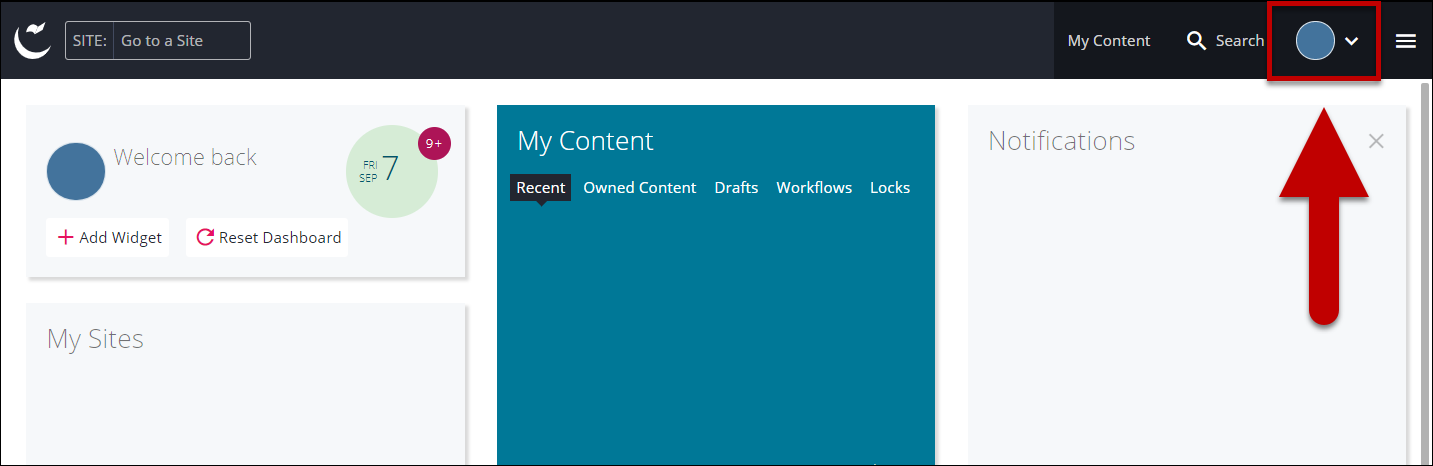
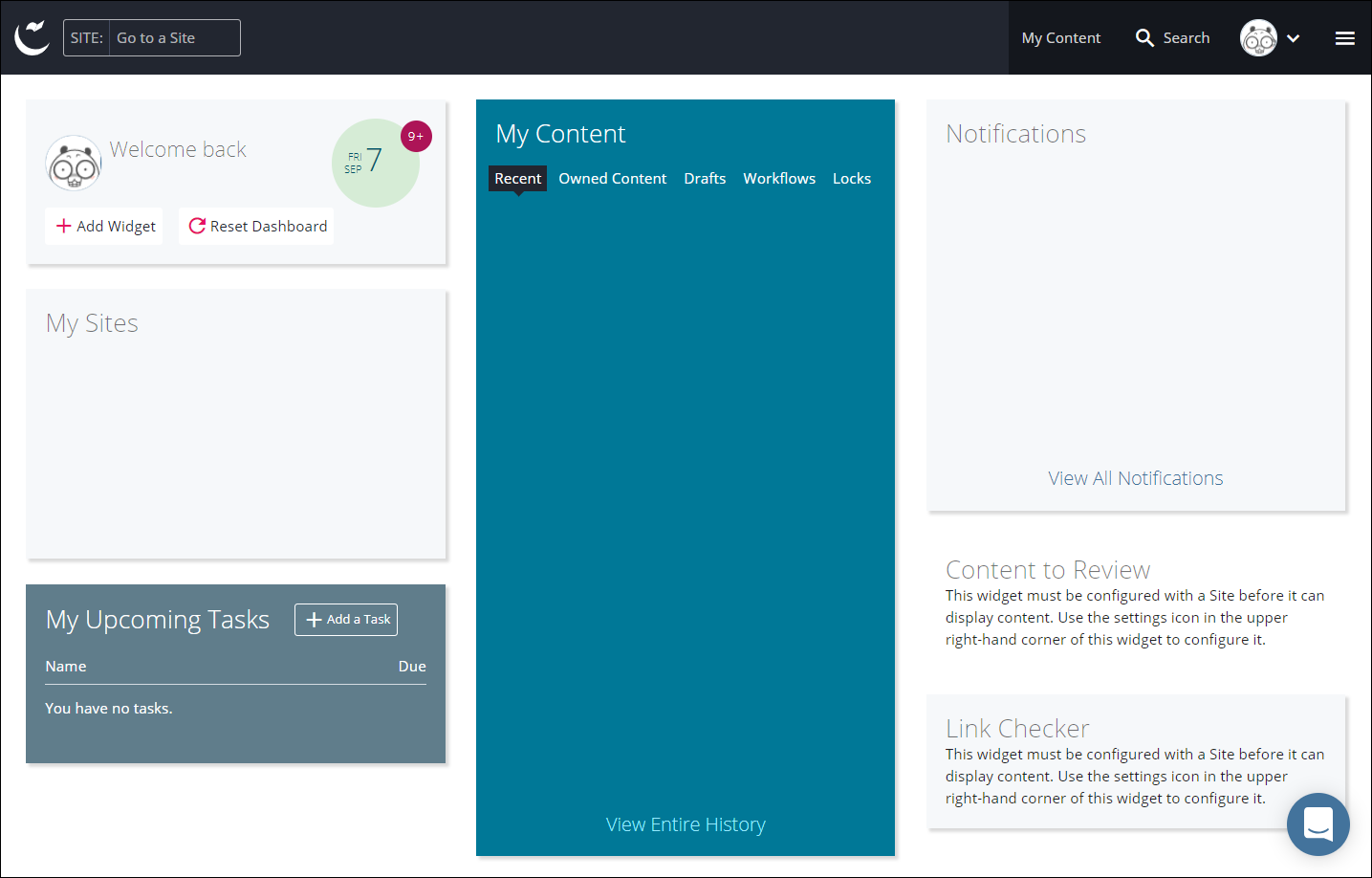
Select the
profile drop down menu
.
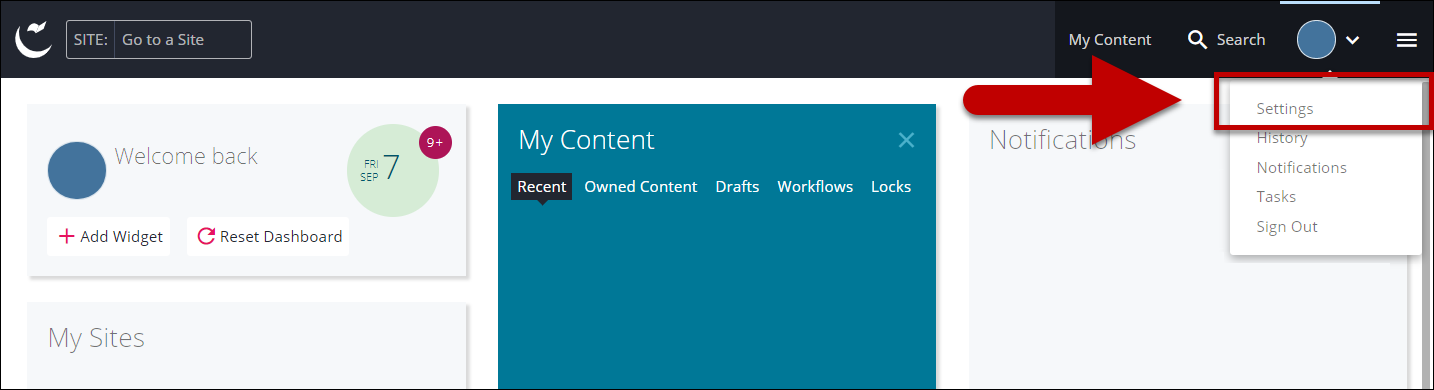
Select
Settings
.
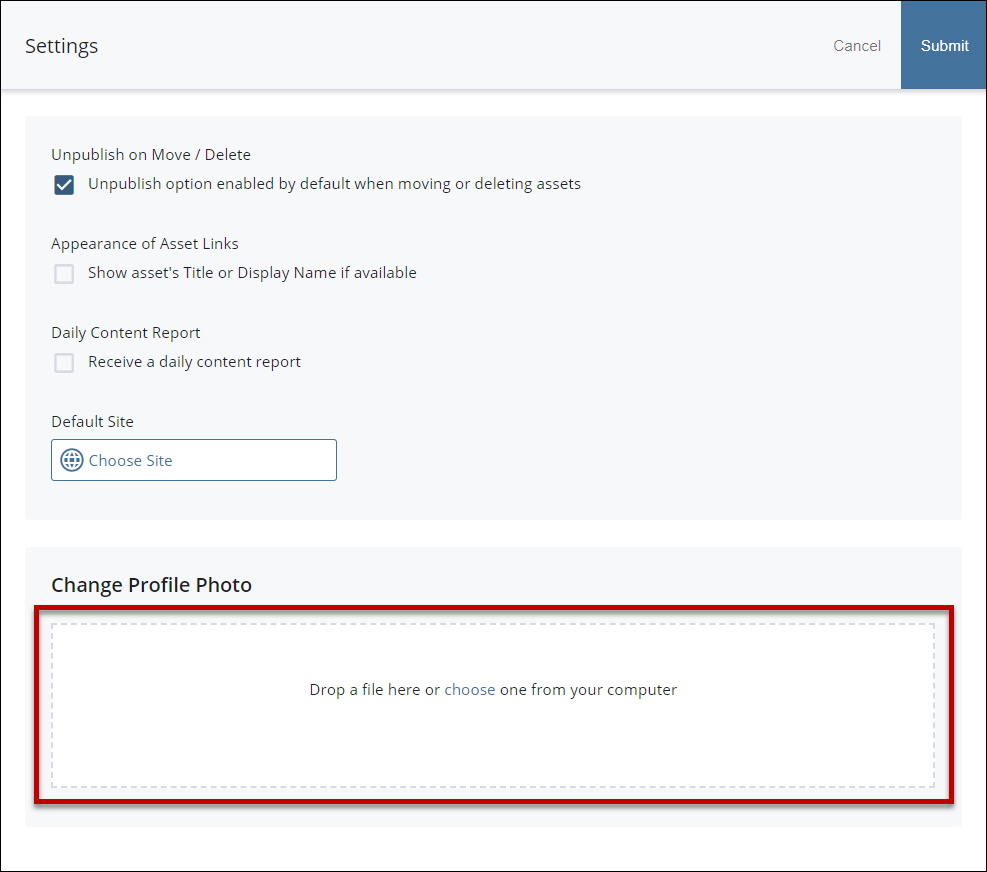
Drag and drop an image in the box.
*IMPORTANT! Use only small image in the size of 50x50 pixels. Using large image will result in slow loading and blurry profile image.
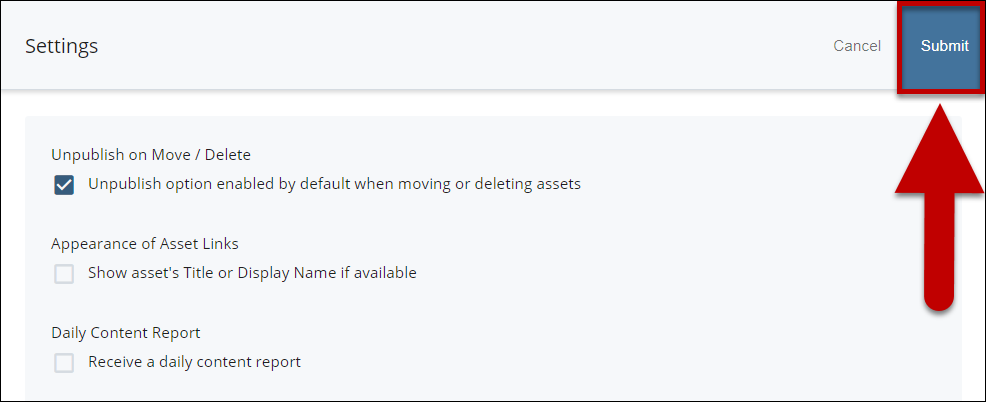
Select
Submit.
Enjoy your new profile image.