Brand Bullets
Overview
A bold, promotional layout designed to convey the university’s core message or philosophy. This component blends a background image with impactful headlines, supporting text, and clear calls to action, ideal for inspiring engagement and reinforcing institutional identity.
Example
How to add Brand Bullets
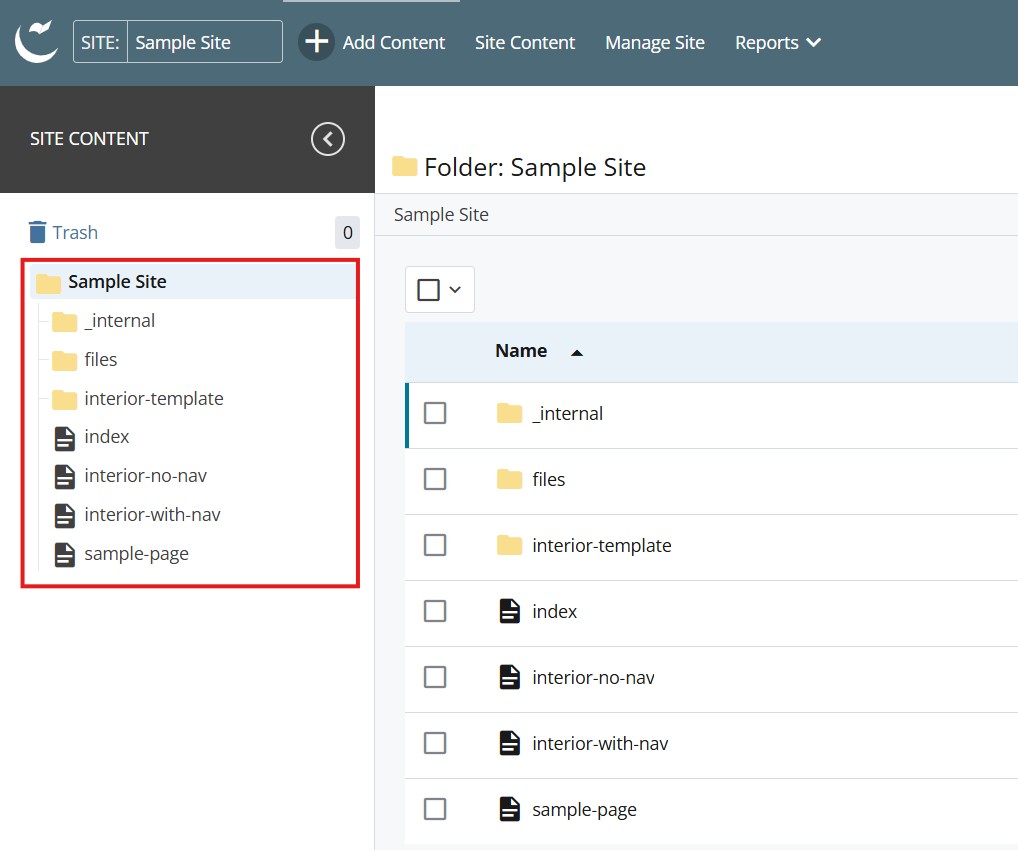
- Log into Cascade CMS and select your site.
- Navigate to the page where the Brand Bullets will be added.

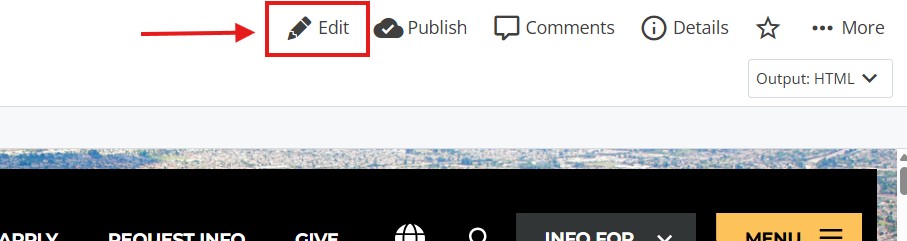
- Select Edit.

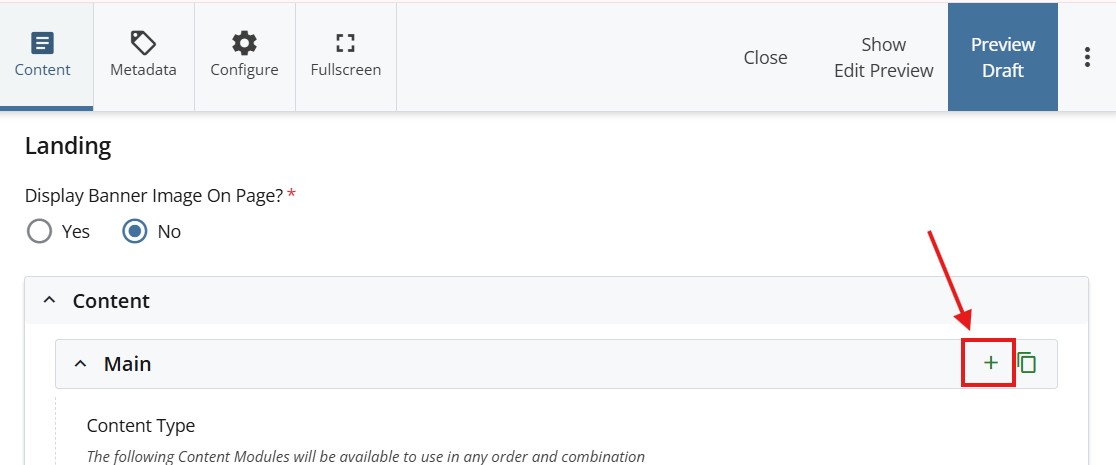
- Select + icon on Main to add a new content type.

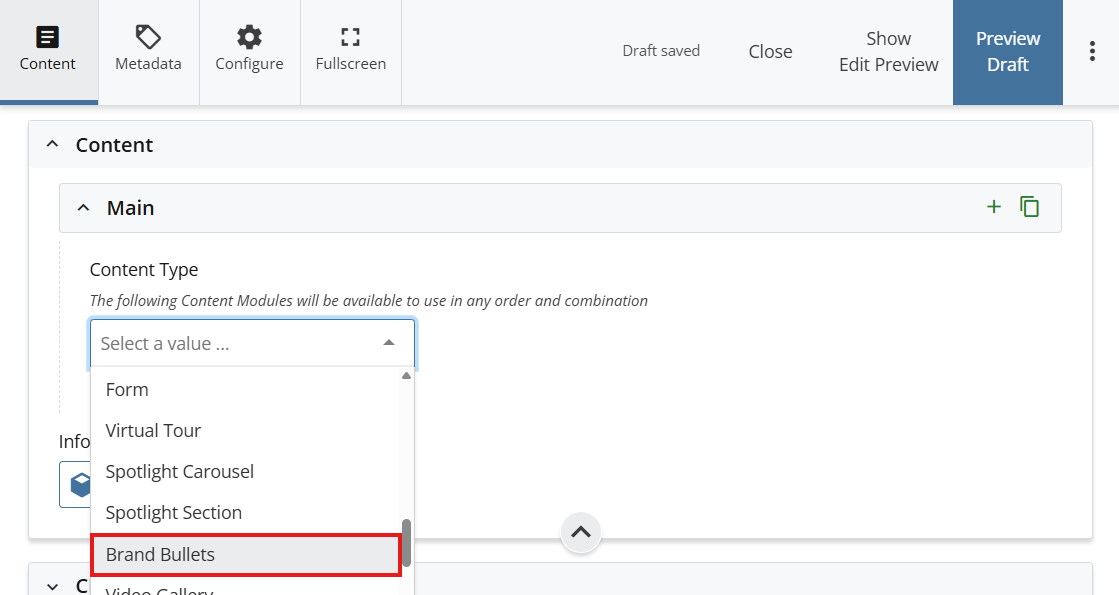
- Select Brand Bullets in the newly added content type.

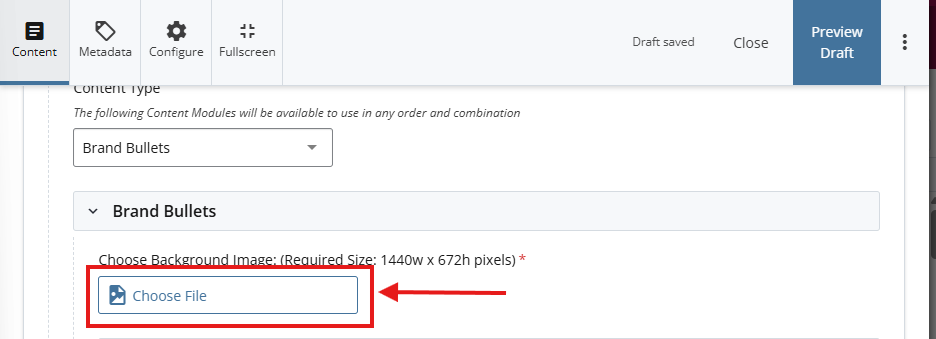
- Select Choose File to select an image that is 1440w by 672h pixels for the background.

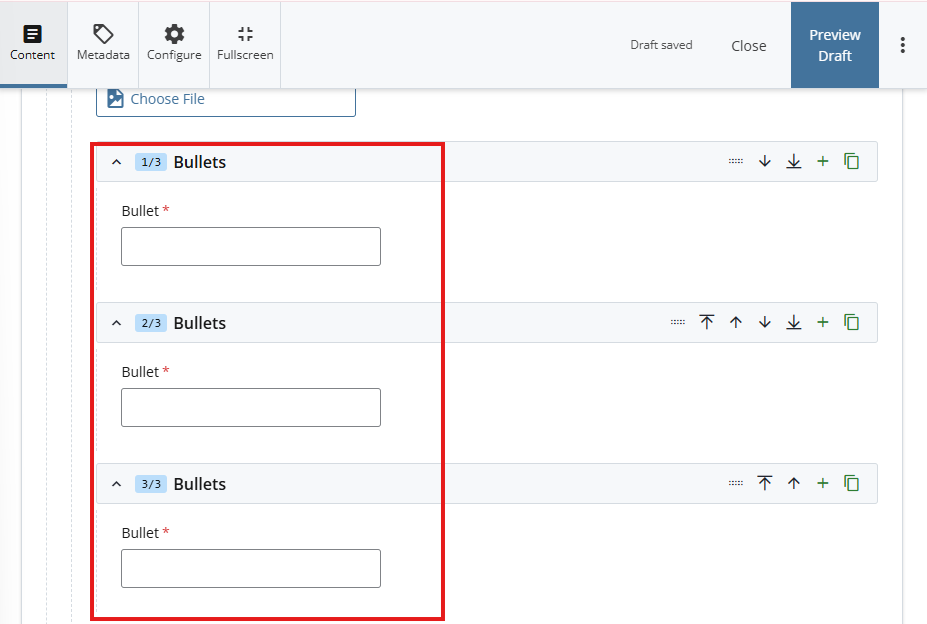
- Under Bullets, enter the main headlines

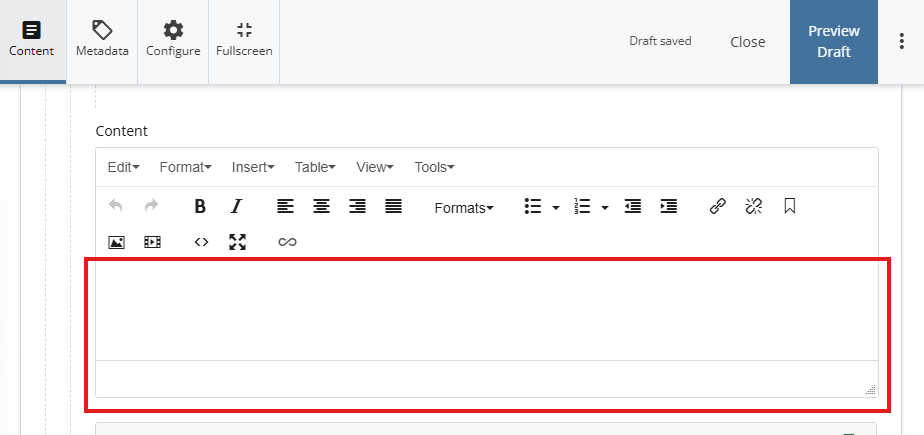
- Under Content, add the text that will appear on the right side of the bullets on the WYSIWYG editor.

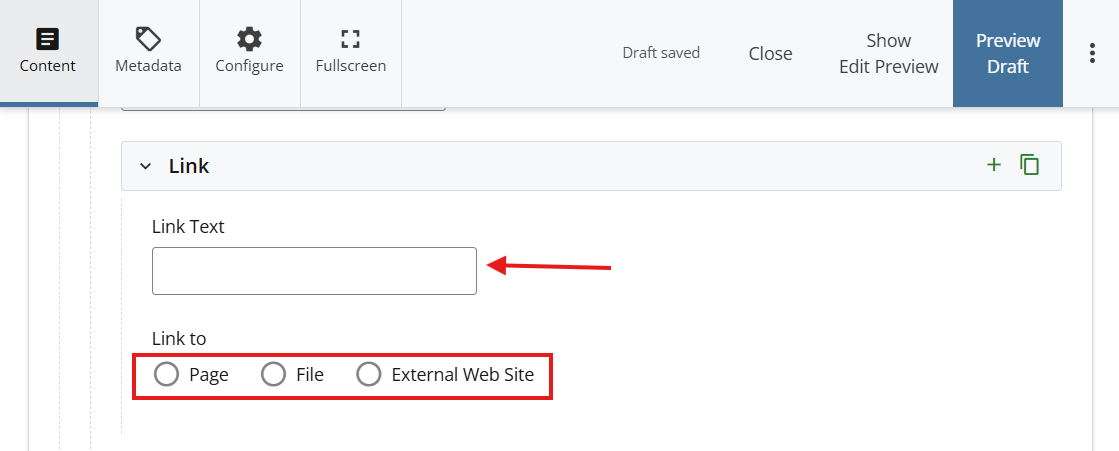
- *OPTIONAL STEP: Add a Link*
Add a title under Link Text - Attach a link using one of the options under Link to

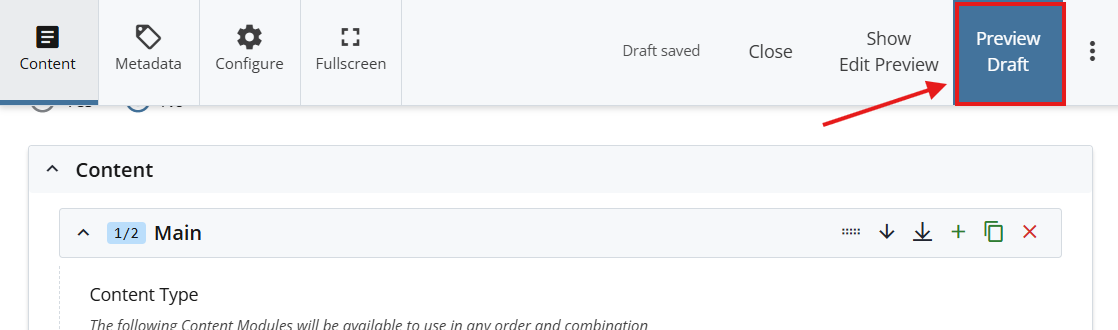
- Select Preview Draft.

- After previewing changes made, select Submit.

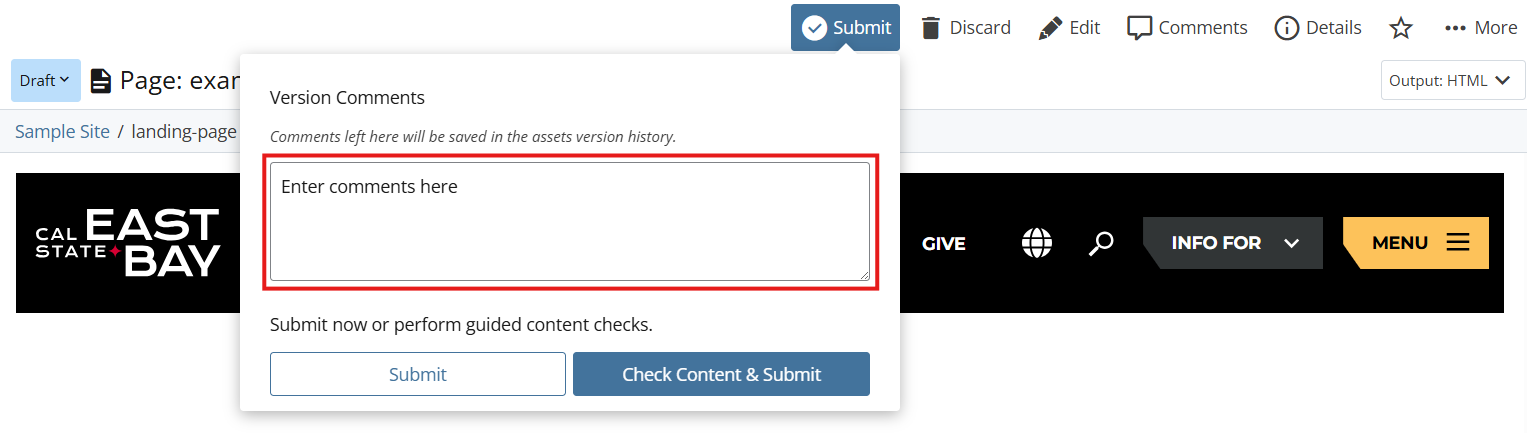
- Enter Comments for changes made.

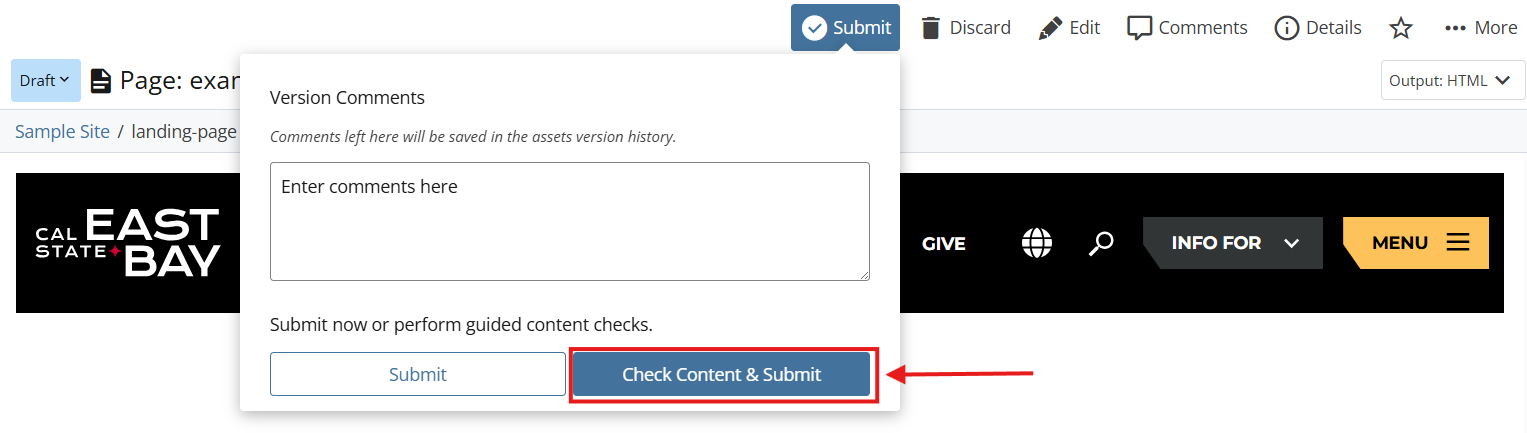
- Select Check Content & Submit to add changes to your site.

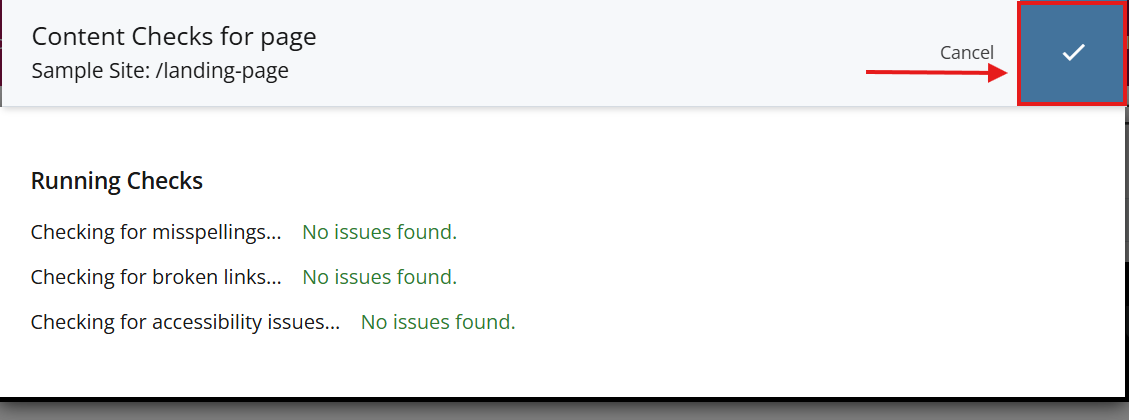
- Select the Check Box.

- When you're ready to go live, the last step is to publish the changes.