Overview
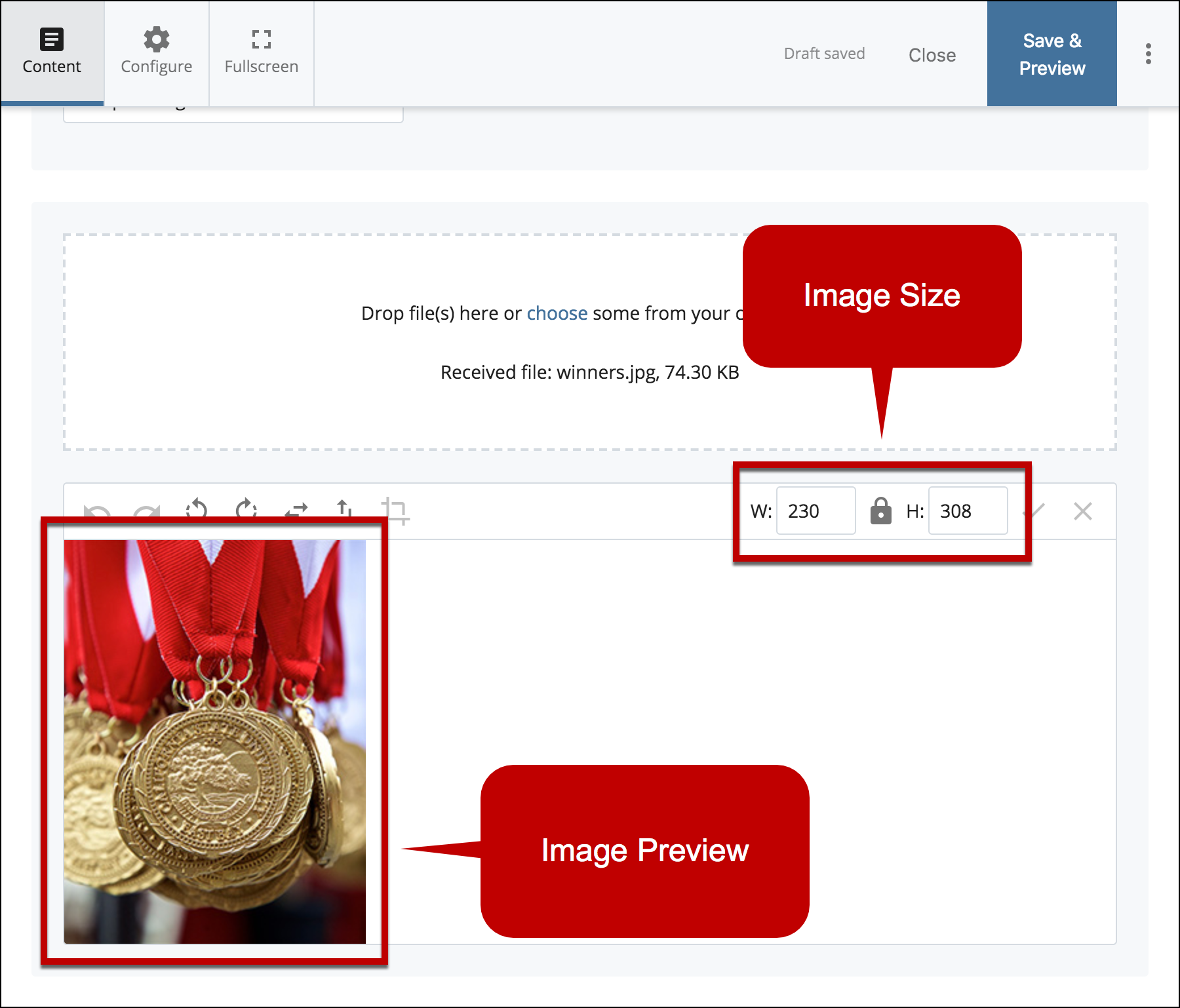
Before uploading your image, ensure that you have the correct image size for the specific content type that you are using. Here's a quick guide for all the image sizes
Content Type Image Size Requirements
| Content Type |
Width (in pixels) |
Height (in pixels) |
| Landing Page Banner |
1900 |
920
|
| Content Area Banner |
1200
|
Any
|
| Content Area Multi Columns Banner |
770 |
Any
|
| Featured Links |
770 |
476 |
| Tiles(Large) |
390 |
390 |
| Tiles(Small) |
190 |
190 |
| Image Gallery |
1000 max |
Any |
| News |
770 |
476 |
| Photo and Description |
230 |
308 |
| Impact Image |
1200 |
Any |
| Spotlight Carousel |
755 |
766 |
| Spotlight Section |
572 |
572 |
| Brand Bullets |
1440 |
672 |
| Video Gallery |
424 |
754 |
| CTA Banner |
1440 |
565 |
See how to resize your images so they fit properly within the Content Types you are using.