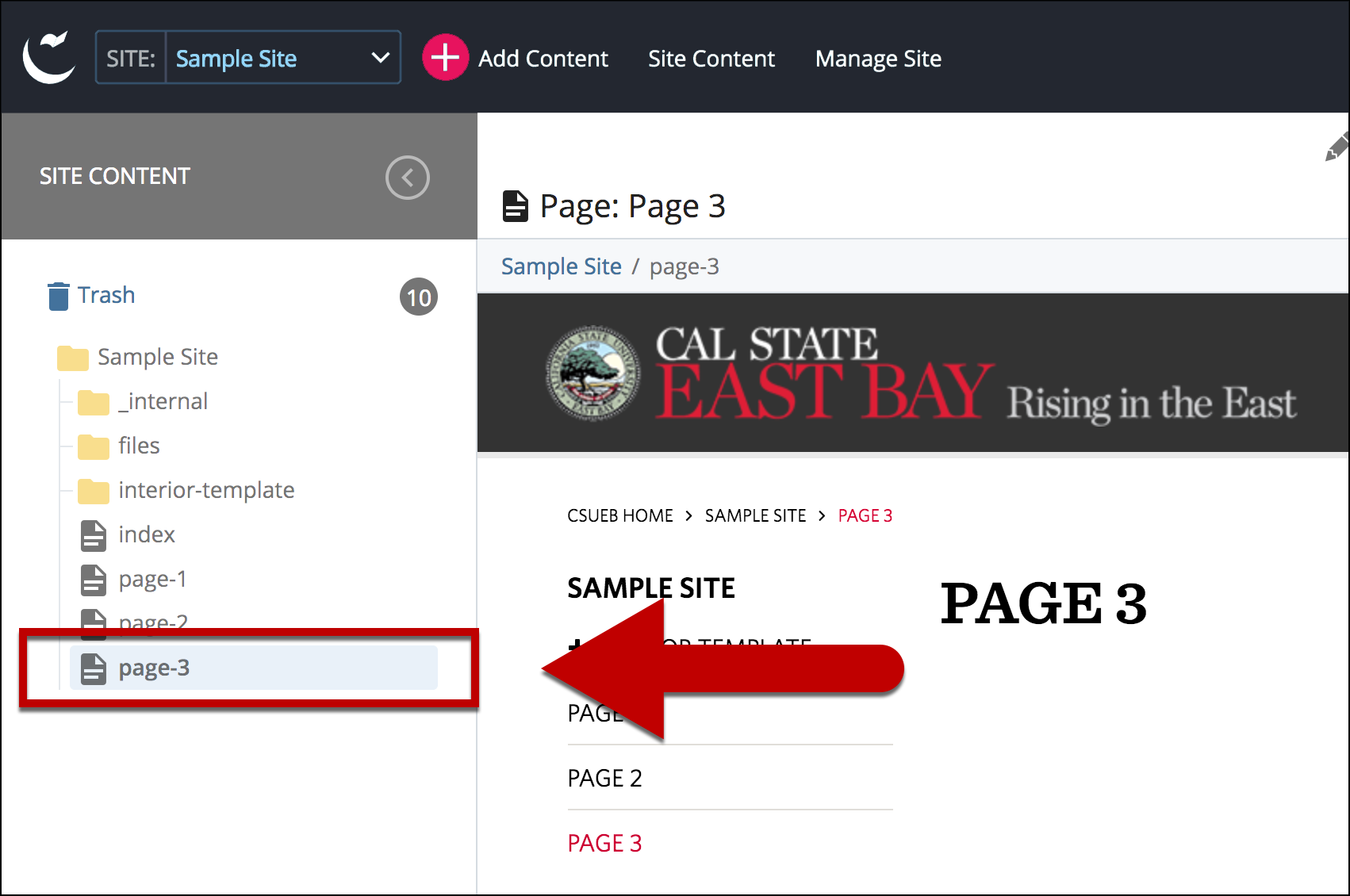
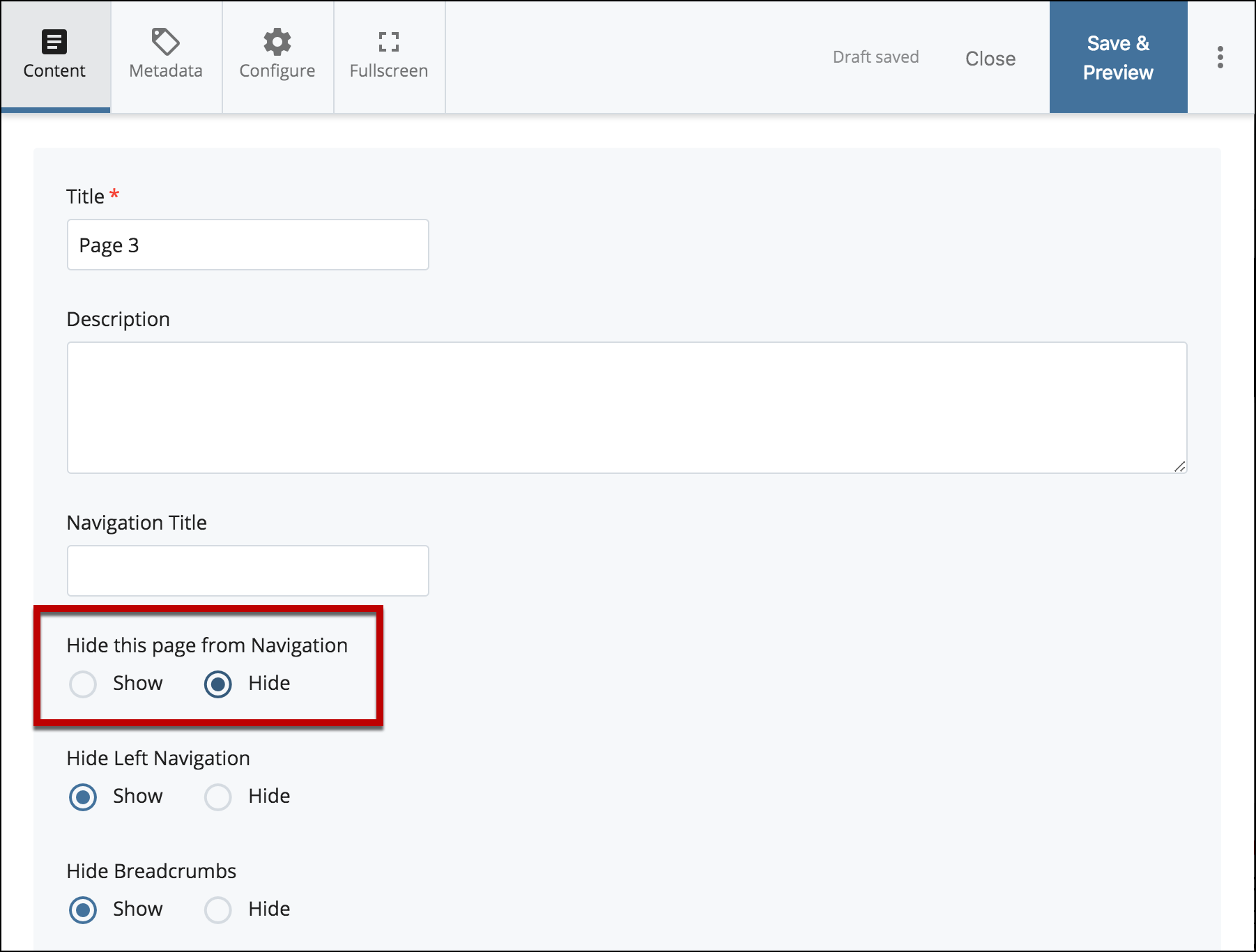
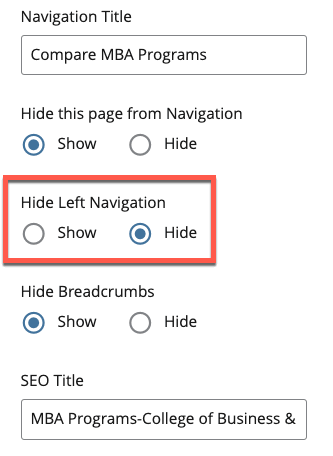
Cascade has the ability to have pages hidden from the left navigation. The only way to navigate to these pages are from a direct link or create a link to these pages.
Example
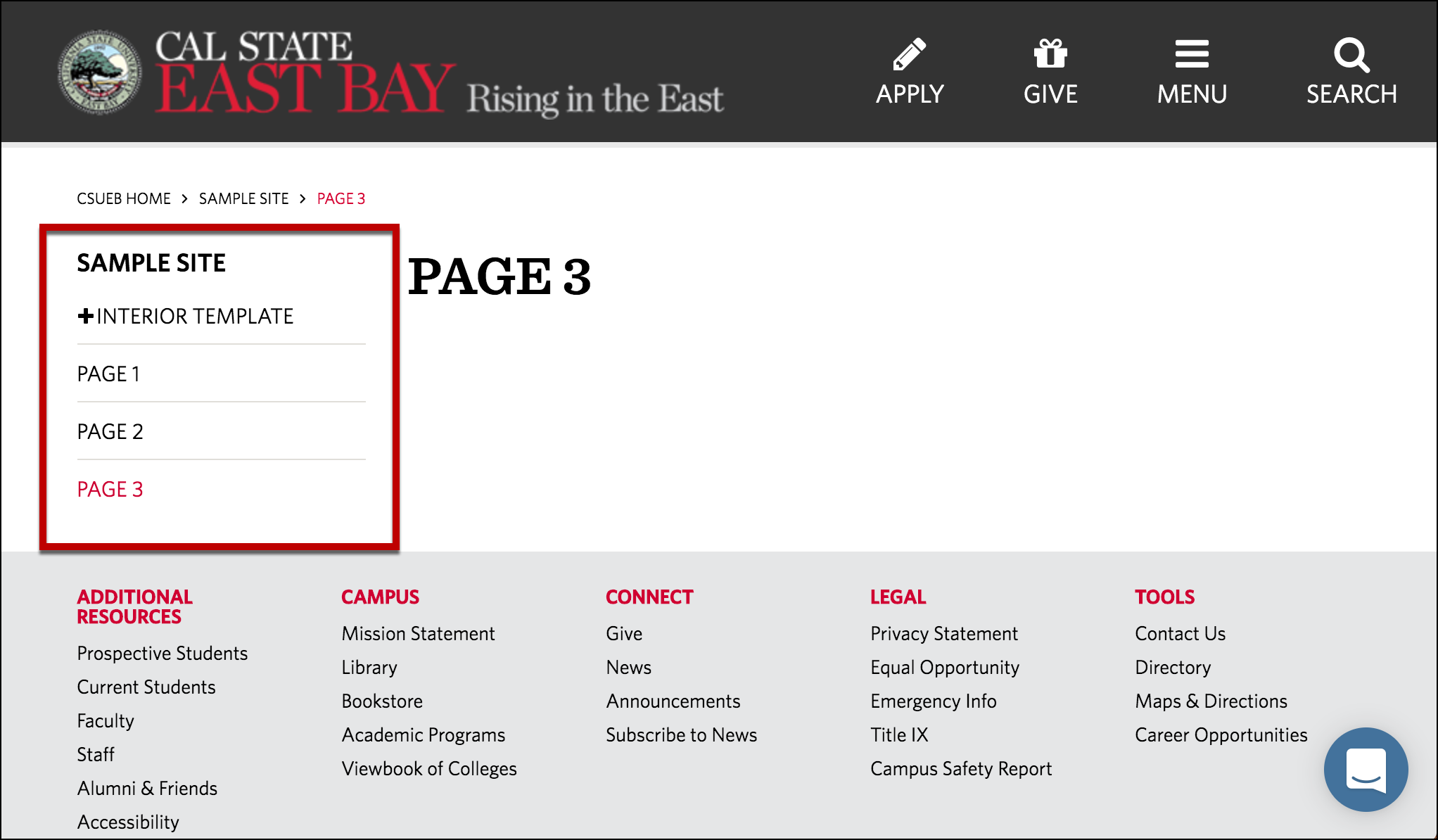
Example of a page that has not been hidden from the left navigation
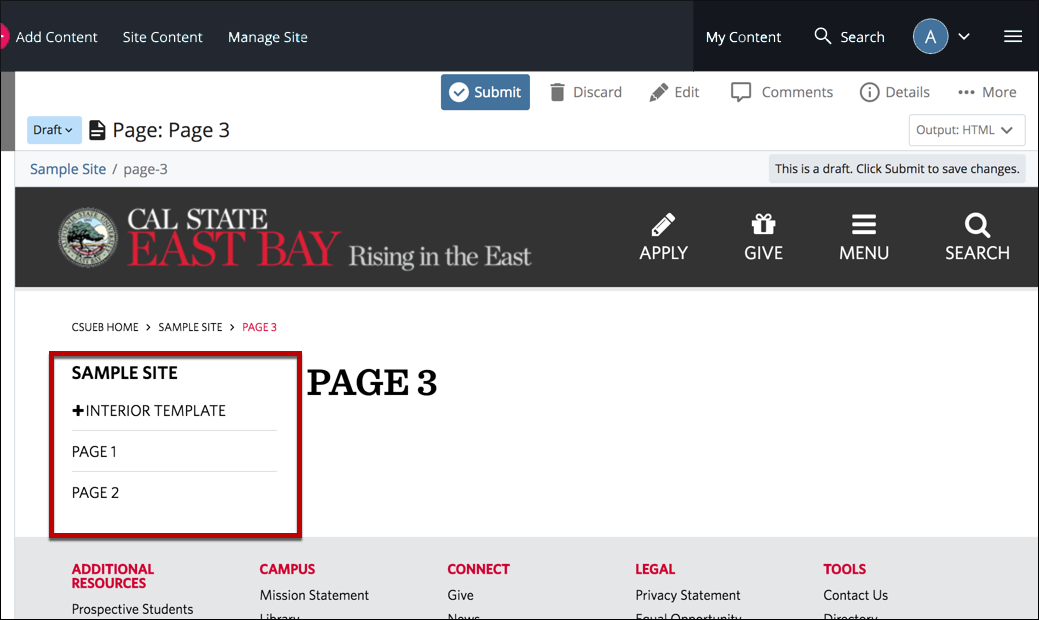
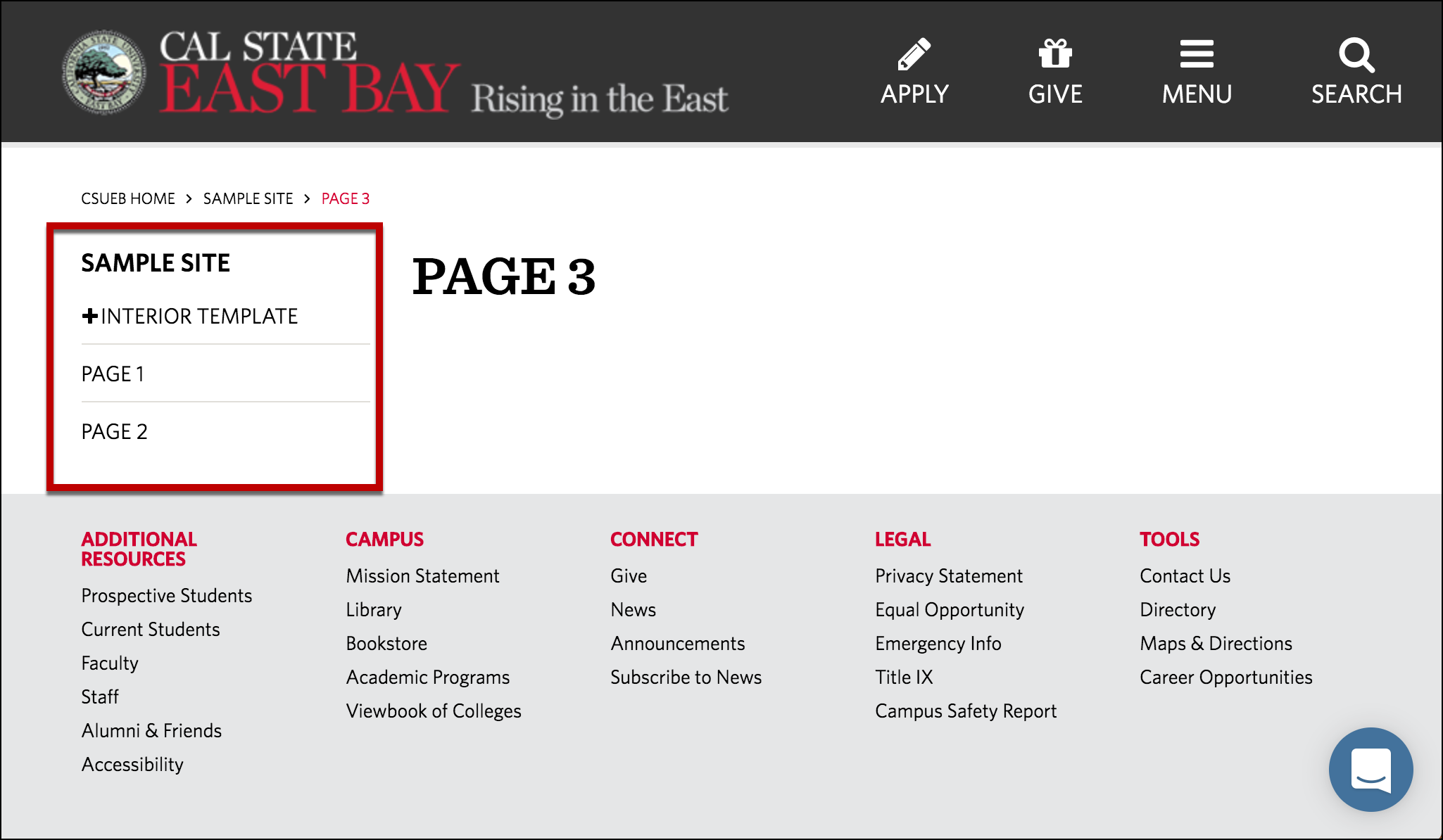
Example of a page that has been hidden from the left navigation
It is sometimes beneficial to remove the Left Navigation completely, particularly for pages that need a wider format to view the content (i.e. Data Tables that are wide horizontally).
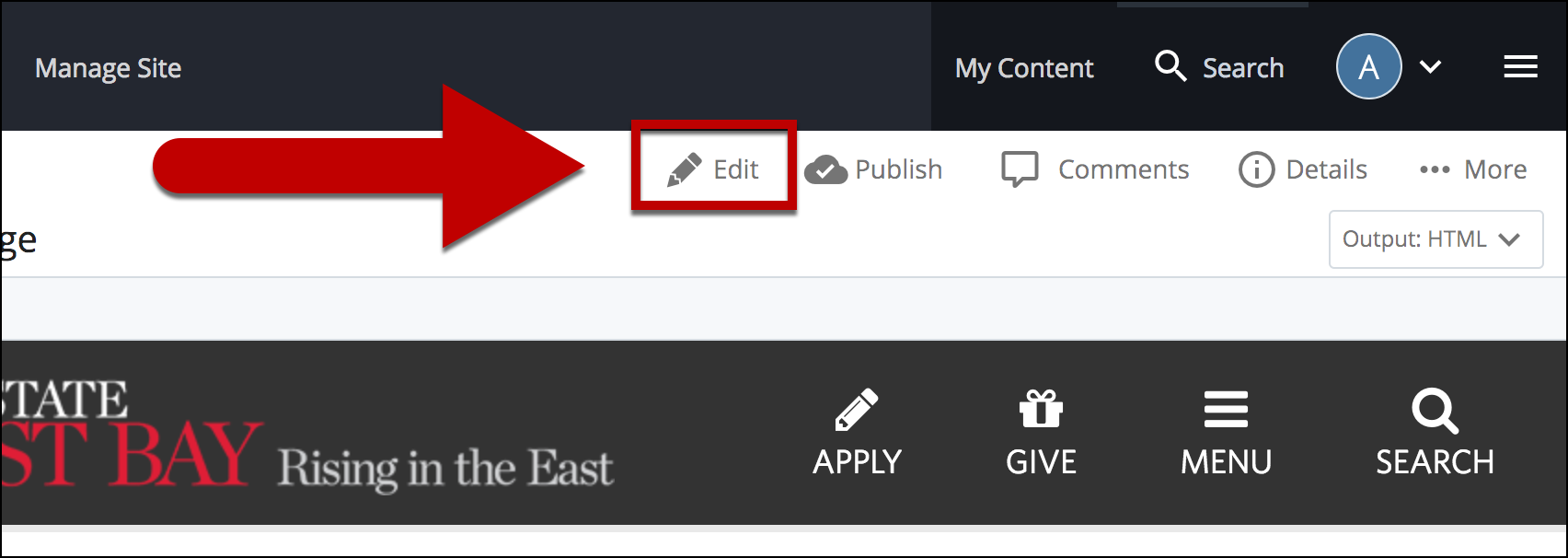
Select Edit
Select Hide Left Navigation
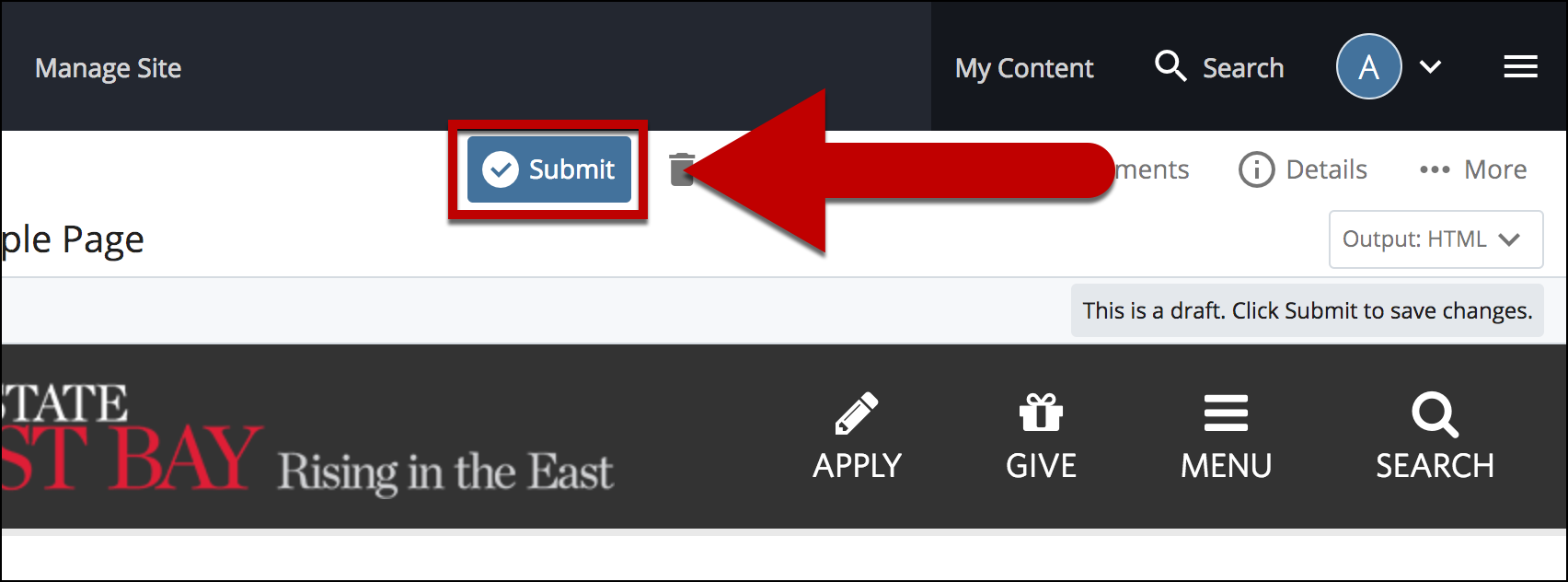
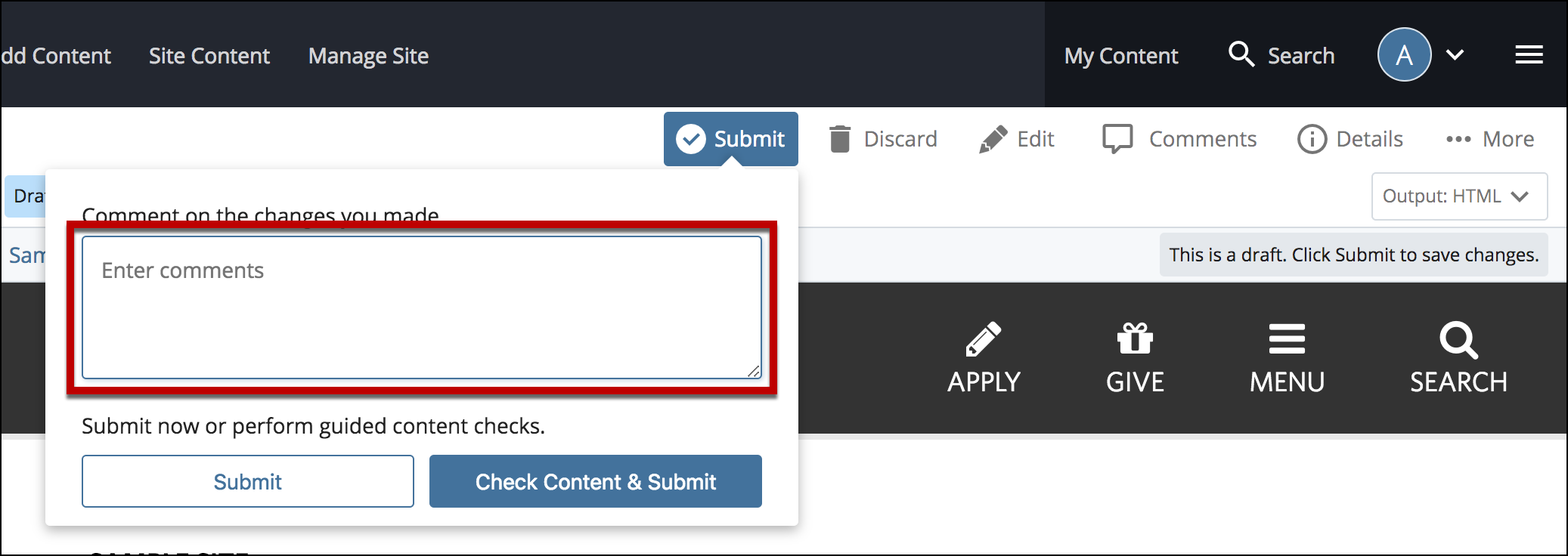
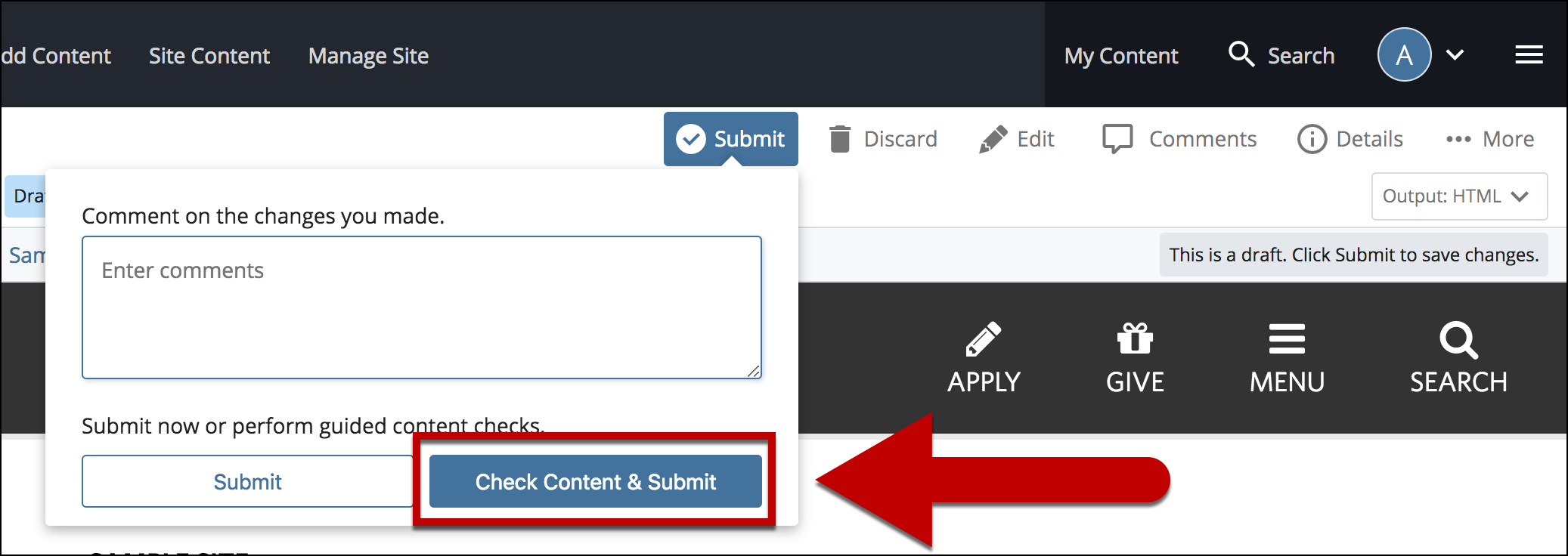
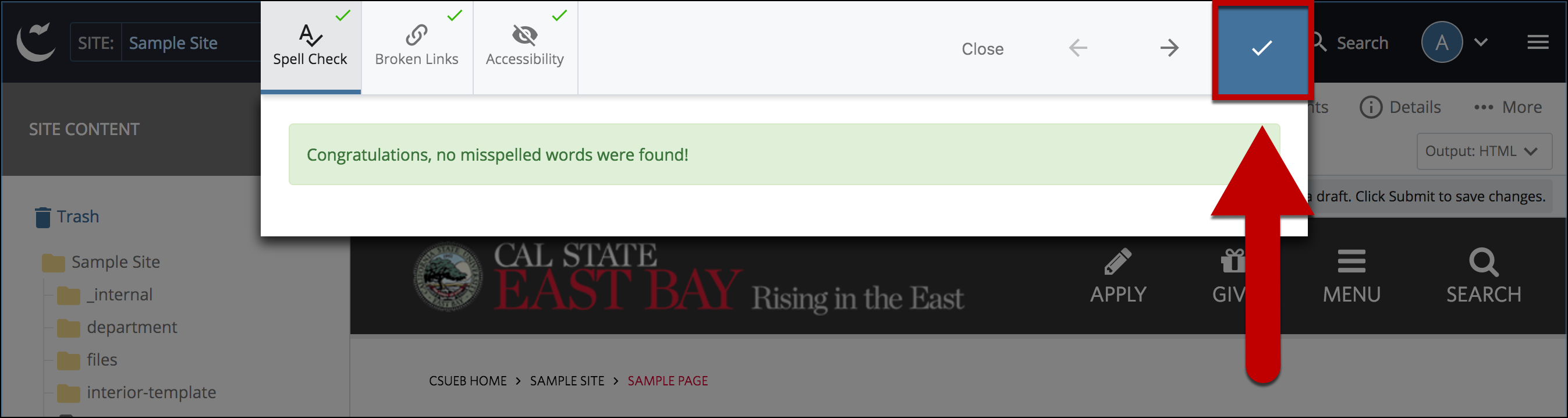
Follow Steps #5 and beyond above (previous list on hiding a single item) for the rest of the steps to complete and publish this change